
Pittsburg Resident Record Coverage
No single roll proves that someone now lives at a Pittsburg address. A useful resident lookup begins by defining the relationship to confirm. The Crawford County parcel systems associate names with land, VoterView reports a registration relationship, and court results identify a party in a case. Vital records confirm an event only for an eligible requester. State business and license systems connect a person to a filed entity or credential. Each source has its own date and custodian.
| Record | What It Confirms | Where to Search | Access |
|---|---|---|---|
| Parcel record | Owner or taxpayer tied to land | Crawford ORKA or CIC | Public portal; deed confirms title |
| Voter registration | Registration and polling details | Kansas VoterView | Name and birth date search |
| Court case | Party role, case, filing date, status | Kansas Courts Public Access | Guest details; clerk fallback |
| Vital event | Birth, death, marriage, or divorce | Kansas Office of Vital Statistics | Certified copies restricted |
| License or entity | Credential or filed business role | Kansas verification portals | Public search; filed copies separate |
Begin with the source that matches the known fact. An address points first to the parcel roll. A case number belongs with the court clerk. A profession calls for the relevant licensing board. For an older Pittsburg name, library indexes and obituaries can establish a date and relationship before an official certificate or court file is requested. Keep a candidate separate until the name, place, and time agree.
Looking Up Pittsburg Court Parties
Crawford County belongs to the 11th Judicial District. The Kansas Courts Public Access Case Search asks users to accept terms before searching. Its controls include court, search type, a required search term, added filters, case type, birth date, and filing-date range. A result can identify the case number, party role, filing date, type, status, and docket events. The portal itself warns that its output is not the official court record.
| Result field | Why it matters |
|---|---|
| Party and role | Separates a named party from an attorney, guardian, or trustee |
| Case number and court | Gives the clerk an exact file to retrieve |
| Filing date and type | Tests whether the time and subject fit the person |
| Docket event | Shows dated activity, not necessarily a document image |
Blank results need care. County instructions say some older cases were not transferred to FullCourt. A courthouse public computer or the district clerk can reach material absent from the guest view. Pittsburg Municipal Court has a clerk route but no public municipal name-search result was located. Ask with a date range, party name, case number if known, and the exact record type.
Confirming Pittsburg Name Matches
Common names can appear in parcel cards, dockets, obituaries, and business filings at once. Record middle initials, suffixes, prior names, spouse or parent names, street, township, county, and source year. Older archives may spell the city as “Pittsburgh,” including a State Archives title. Search that historical form, but preserve the spelling printed in the source.
- Write the exact name and all known dates or places.
- Anchor the person to one dated Pittsburg or Crawford County record.
- Compare a second source with a distinct identifier, role, or relationship.
- Save the record date, result ID, conflict, and next custodian check.
A parcel name may be an estate, trust, company, or mailing contact. A directory entry may name a business or past occupant. Do not merge two candidates solely because their first and last names match.
Pittsburg Vital Record Trail
The Kansas Office of Vital Statistics controls certified state birth, death, marriage, and divorce records. Current files are not open name indexes. A qualified requester must show the required relationship or direct interest, identification, and proof. State coverage begins with birth and death in 1911, marriage in 1913, and divorce in 1951. Earlier Crawford County ledgers, cemetery records, probate, and obituaries can supply a lead, but they do not replace a certified copy.
The Office reports more than ten million records and about 360,000 certified copies each year. That scale does not make the files public. The Pittsburg Public Library genealogy collection combines obituary cards, cemetery transcriptions, funeral-home files, local directories, and mining records. Its research service can help establish the date and relationship needed for the proper state or county request.
Note: Treat every obituary or index card as a lead until its names, dates, and place agree with an official or archival record.
Pittsburg Family Contact Routes
Adoption and birth-parent questions have a protected state route. The Kansas DCF Adoption Records and Search program handles eligible searches for Kansas adoptions. Adult adoptees must be at least eighteen. Birth-parent and adult-sibling requests follow distinct forms and consent rules. Identifying information is released only with the located person's authorization under the program and K.S.A. 59-2122.
The April 2026 adult-adoptee form asks for names, birth facts, adoptive parents, known birth-parent details, the adoption agency, proof of identity, and the records requested. It may be emailed or mailed to DCF and says a copy should arrive within six weeks. A public resident lookup cannot bypass a sealed adoption file. For classmates, use dated yearbooks, PSU Special Collections, and library school files, then contact people with restraint.
Pittsburg Custody Records in Context
The Crawford County jail roster is a booking and custody display. It does not prove a conviction. The image below shows the official county inquiry surface used for Pittsburg-area jail searches.
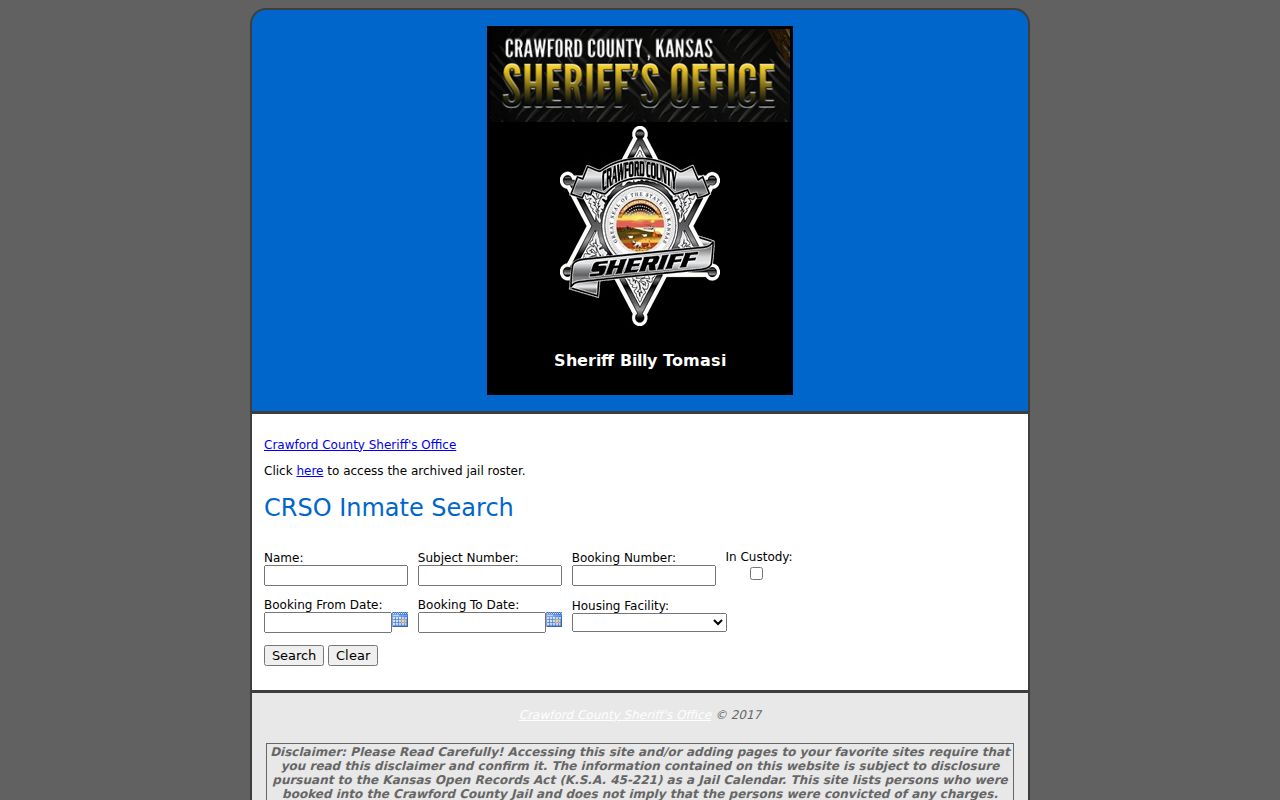
Use its booking identifiers and dates to check the court docket, since custody can change and the case record supplies the legal role and outcome.
The Kansas Department of Corrections explains its separate locating route on the KASPER locator guidance. This capture shows the state's instructions rather than a county booking page.
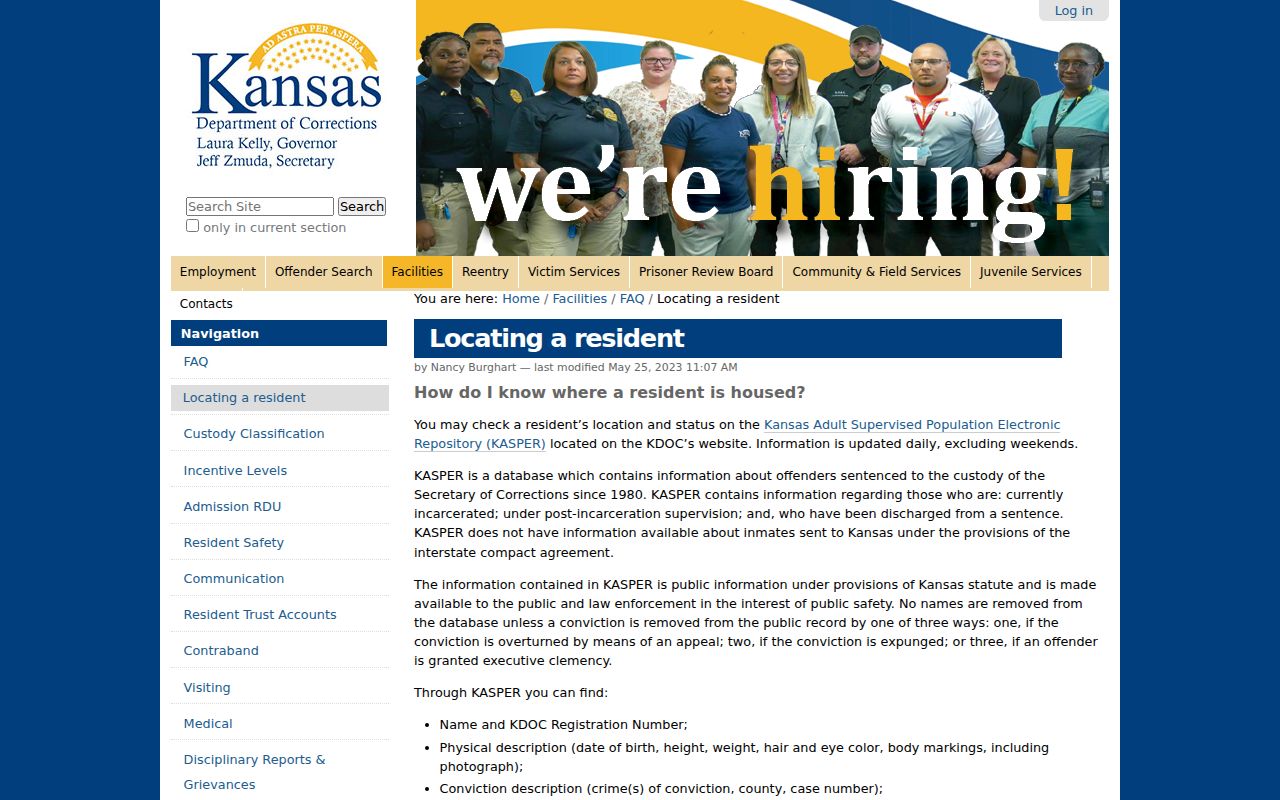
KASPER has its own update and coverage limits, so compare any entry with a court record and record the retrieval date.
The official KASPER search gateway states those limits before access.
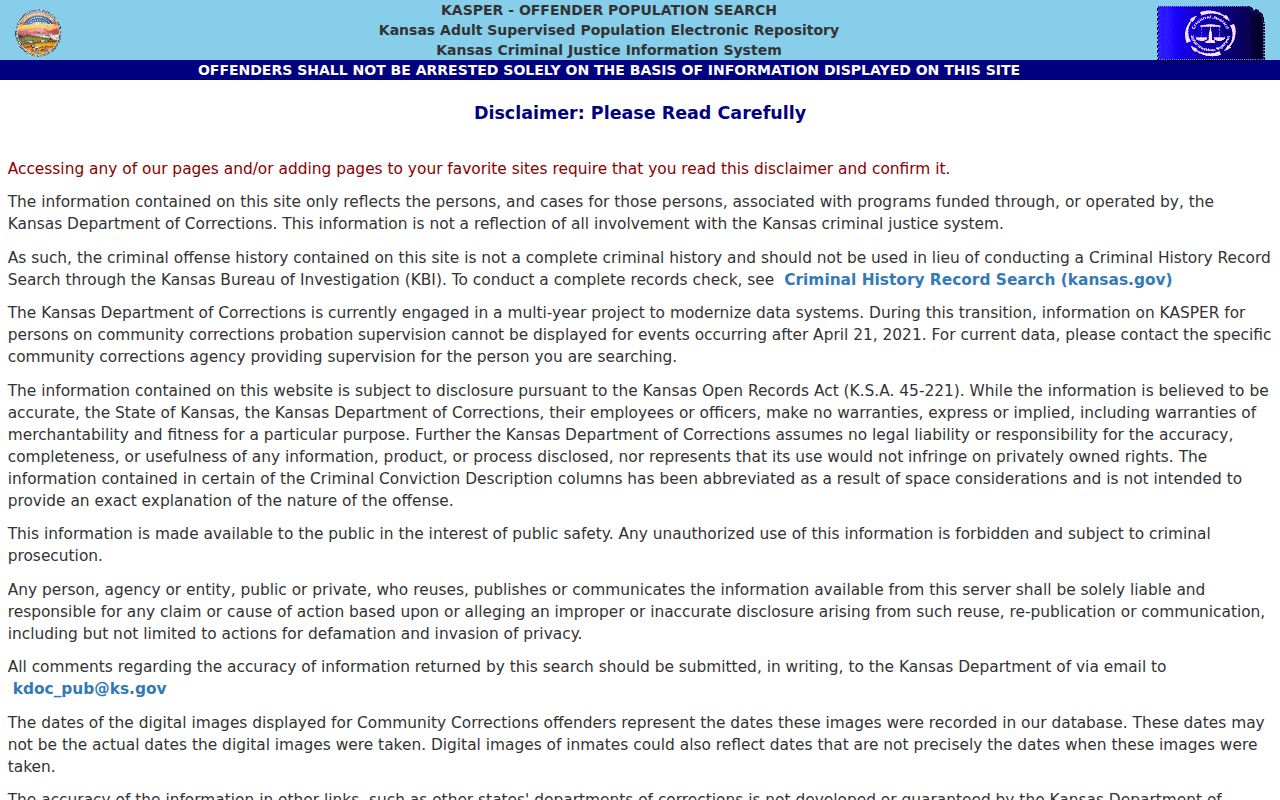
The warning helps keep a supervision or custody entry from being mistaken for a complete criminal-history report.
Verifying Pittsburg Public Roles
A named professional or business agent has a different official trail. The Kansas License Verification Portal searches first name, last name, business name, license number, status, licensing body, profession, and license type.
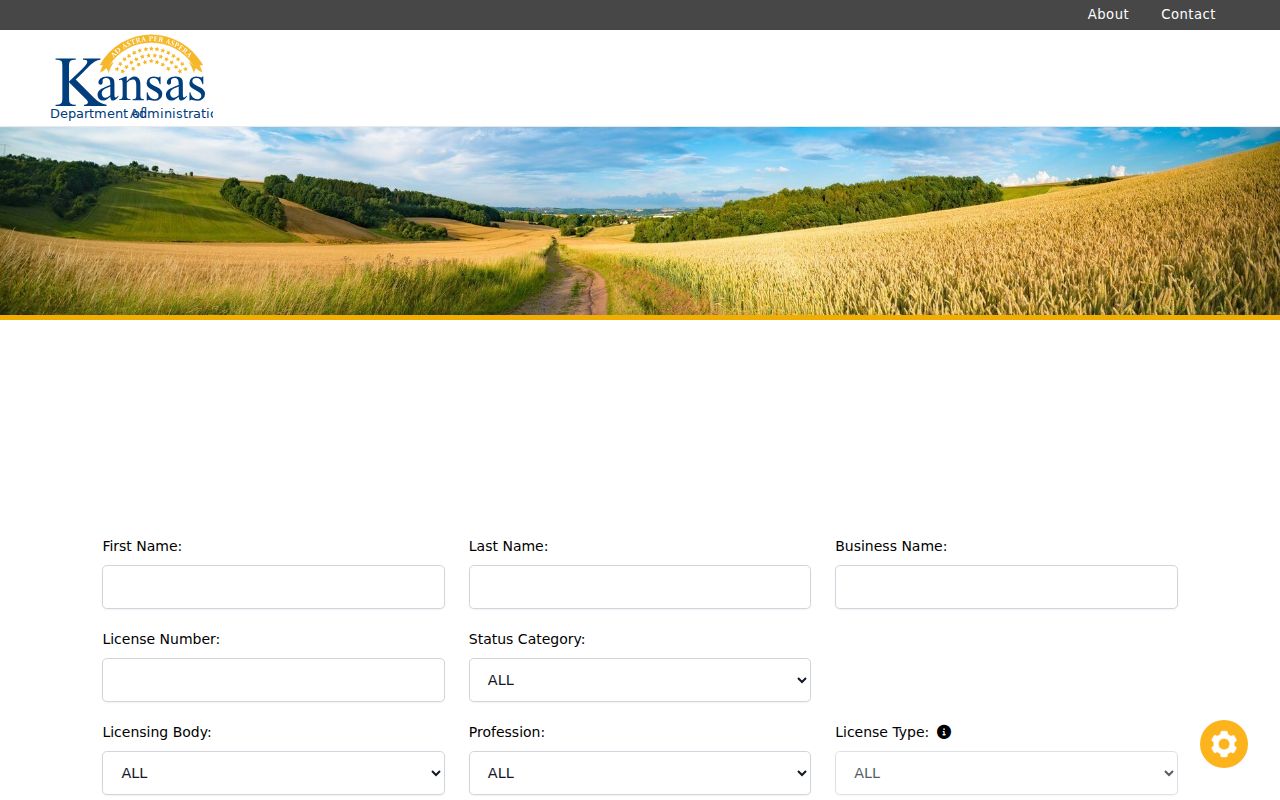
Results can show license type, number, status, issue or expiration dates, and public board documents. Use the specialist board when the unified portal lacks detail.
The Kansas Secretary of State Business Entity Search accepts business name, entity ID, or current resident-agent name.
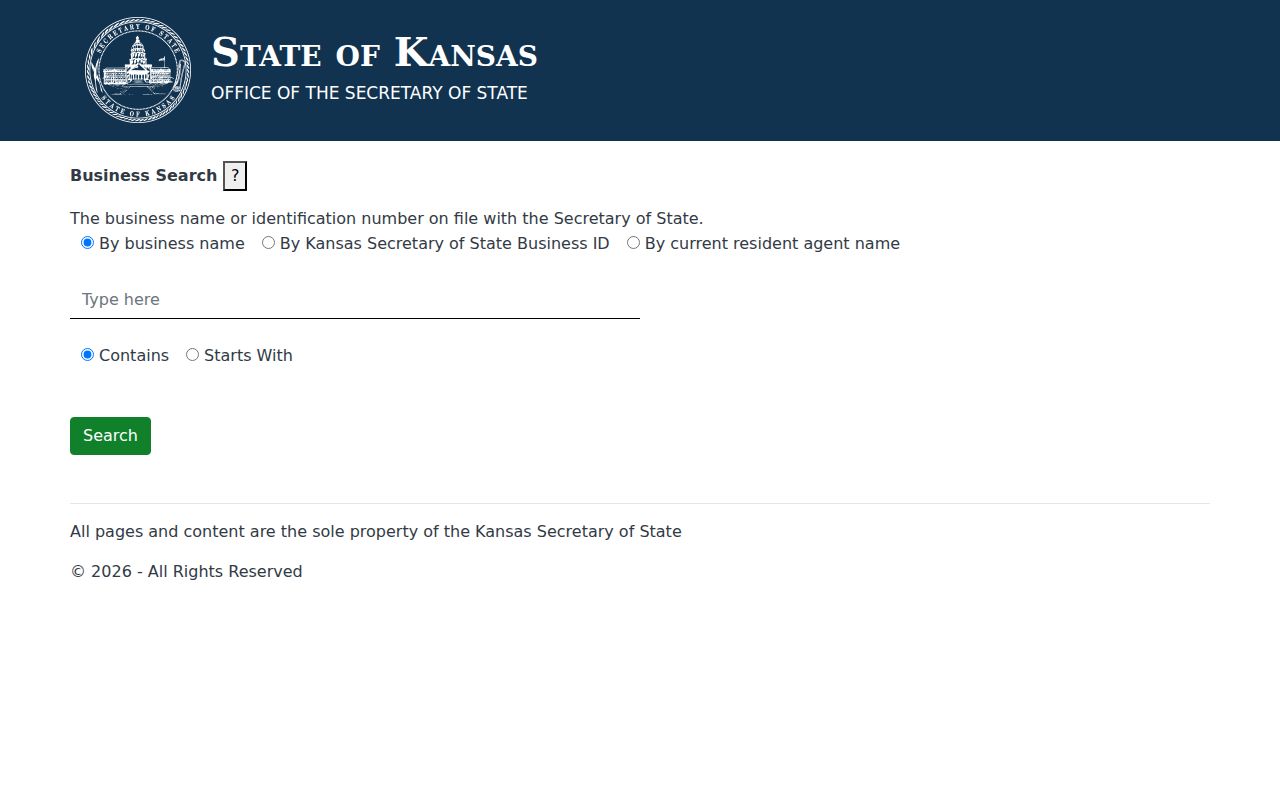
Its first 200 result limit and omission of sole proprietorships, trade names, and assumed names make filed documents the better confirmation of an entity role.
Pittsburg Registry Search Cautions
The Kansas Bureau of Investigation Registered Offender search is an official, limited-purpose registry with its own disclaimer and update notice.
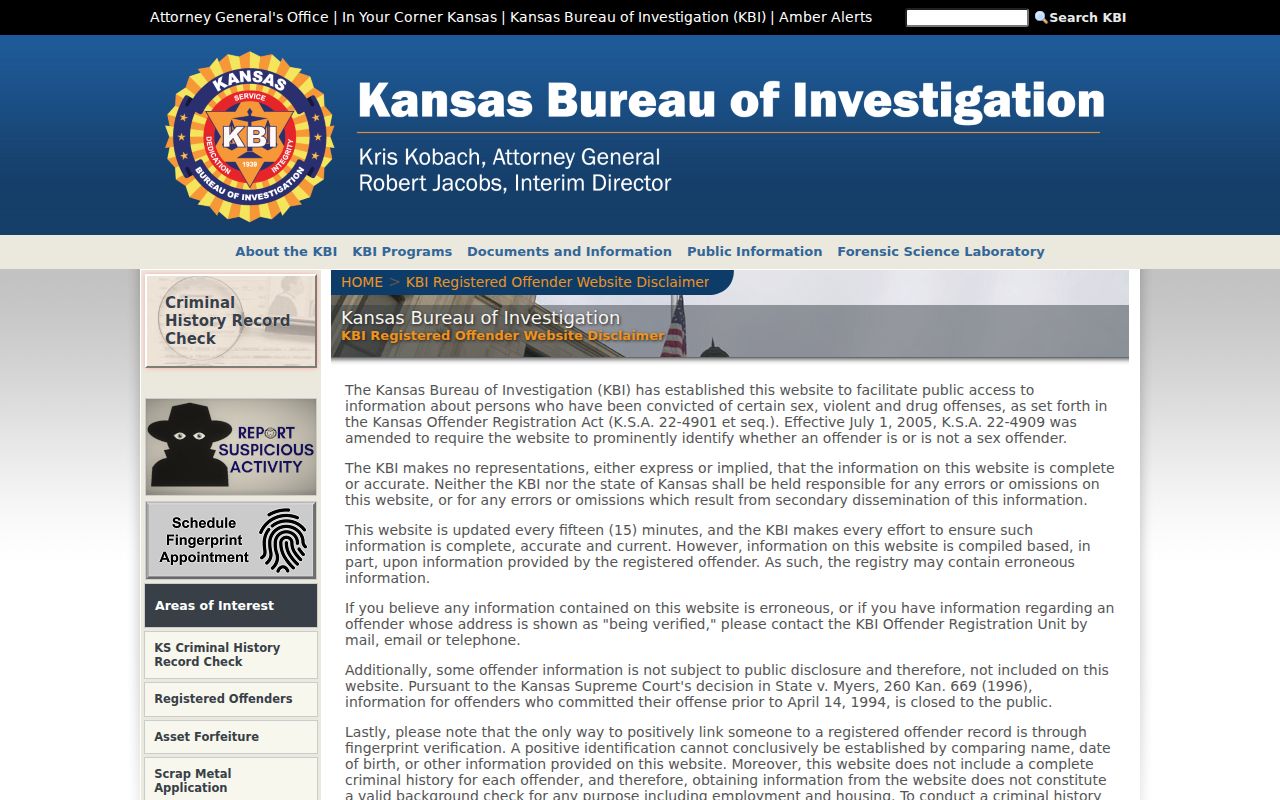
Read the current entry and warning together. Do not infer facts beyond the fields shown, and use a court file when the case history itself is needed.
Completing a Pittsburg Resident Lookup
A final verification should connect the same person across two records without claiming more than either source states. When an address is known, use the parcel roll as an anchor and the current deed to test ownership. Then search a second index with the name variant and date. If the question concerns a court or vital event, ask that custodian for the official copy.
- Anchor the name to a dated address or filed role.
- Search the court, voter, license, or business index that fits the question.
- Compare name variants, date, place, and role against a second source.
- Request a certified or clerk-confirmed copy when formal proof is needed.
- Docket
- The dated list of filings and events in a court case.
- Index vs image
- An index points to a record; an image reproduces the filed page.
- Certified copy
- A custodian-issued copy carrying official certification.
Lawful Pittsburg Resident Lookup
Kansas Safe at Home, restricted voter addresses, protected vital records, sealed court files, and expunged matters may remove or limit details by design. Never try to rebuild a protected address from unrelated sources. K.S.A. 45-230 limits certain uses of public names and addresses, and voter lists carry added restrictions. A wrong match should be reported to the custodian with the result identifier, record role, and exact correction needed.
Lawful use. Use Pittsburg records only for lawful personal research. Never use a resident lookup to stalk, harass, intimidate, or expose a protected person.